Patient-centred
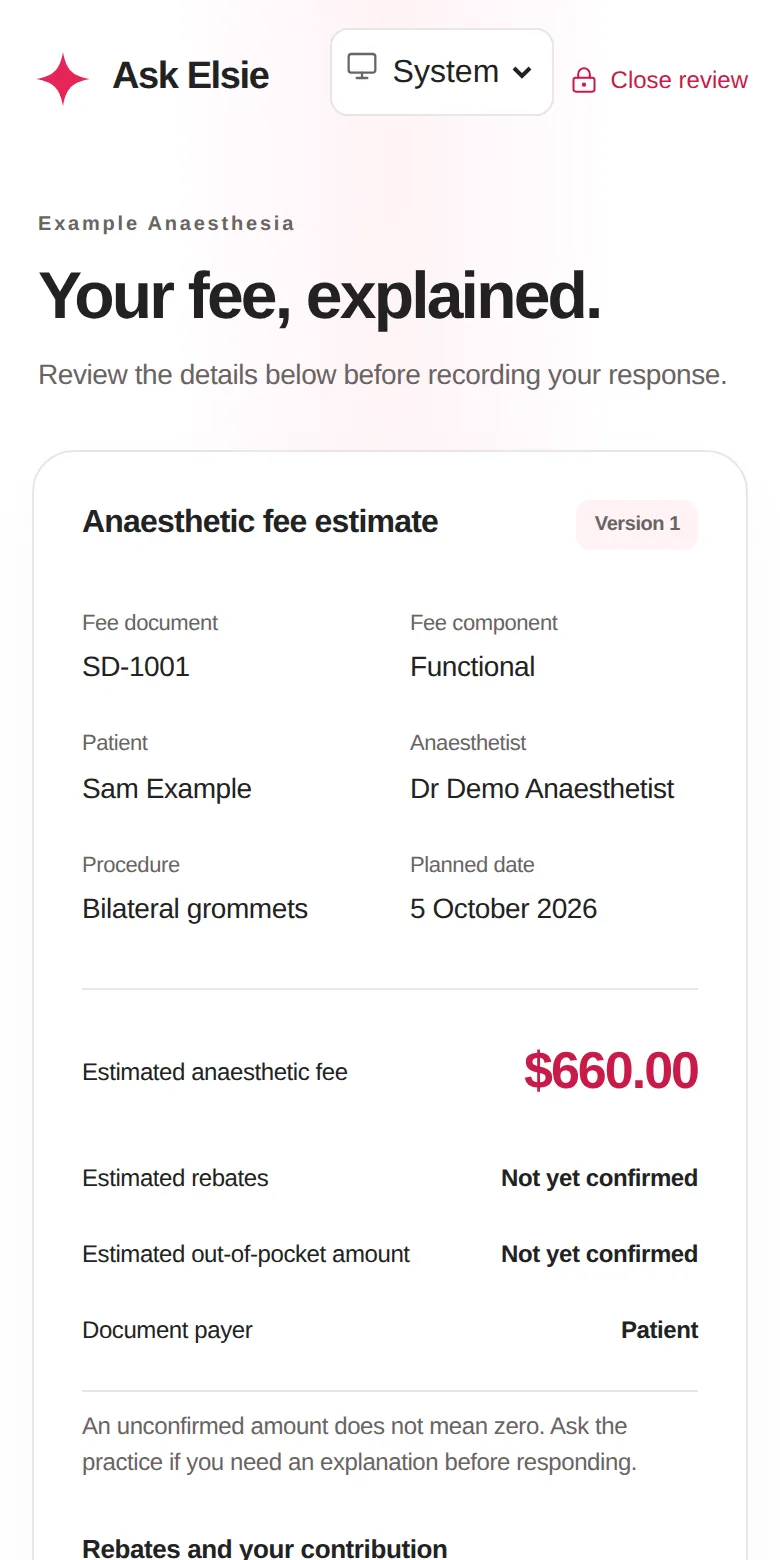
Clear fees before surgery, secure online payment, a private patient portal and kind, timely messages.
Ask Elsie is the practice workspace for anaesthetists and their teams. Patients understand their fees and prepare with confidence. Doctors get organised lists and accurate billing. And every record stays private and safe.
Clear fees before surgery, secure online payment, a private patient portal and kind, timely messages.
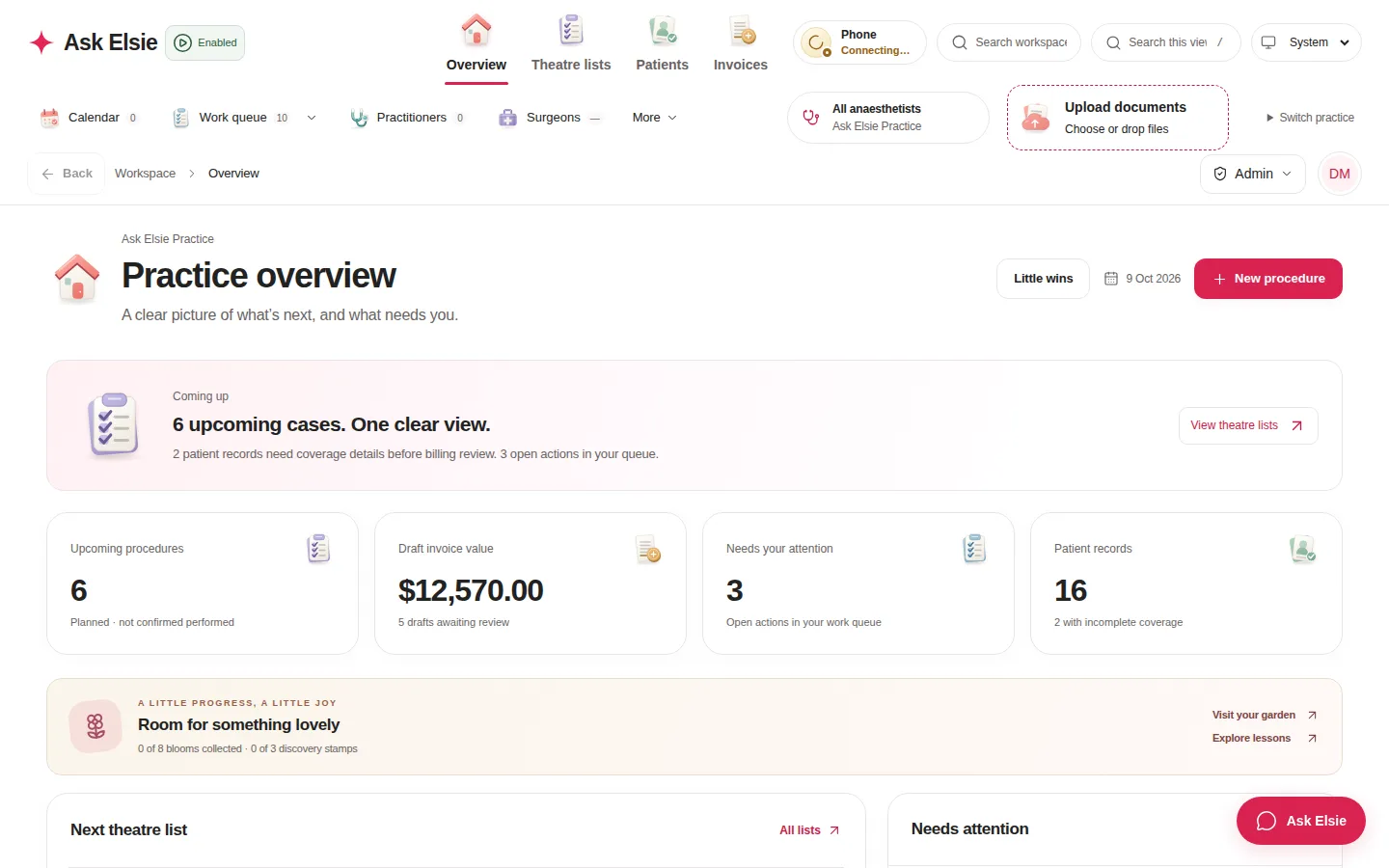
Every list, patient and payment at a glance, with accurate billing for each anaesthetist.
Patient information protected at every step, with a full audit trail.
Calm, clear and easy to use for patients, doctors and practice teams.
Surgery is stressful enough. Ask Elsie helps your patients know what to expect, what it will cost and how to prepare, in plain language and on their own phone.
Real Ask Elsie screens, shown with fictional patients.
Ask Elsie keeps lists, patients and billing in order, so anaesthetists can focus on their patients rather than paperwork.
Fees are calculated to the cent from each anaesthetist's own fee profiles and surgeon rules, with the MBS catalogue at hand.
Numbered invoices, a receipt for every confirmed payment and linked adjustments for refunds. Fees are split across items to the cent, and a person reviews before anything is issued.
Patients pay by card or PayID through Hello Clever. A payment counts only once Hello Clever confirms it, and each list shows how many bills are paid.
Call patients from the browser or your iPhone, straight from their record. Recording is off for every call and starts only once you confirm everyone has agreed.
Verify a patient's Medicare or DVA details with RebateRight in one click, and check expected benefits with the MBS benefit calculator.
Hand selected cases to a billing practice, which prepares estimates and follows up under agreed terms.
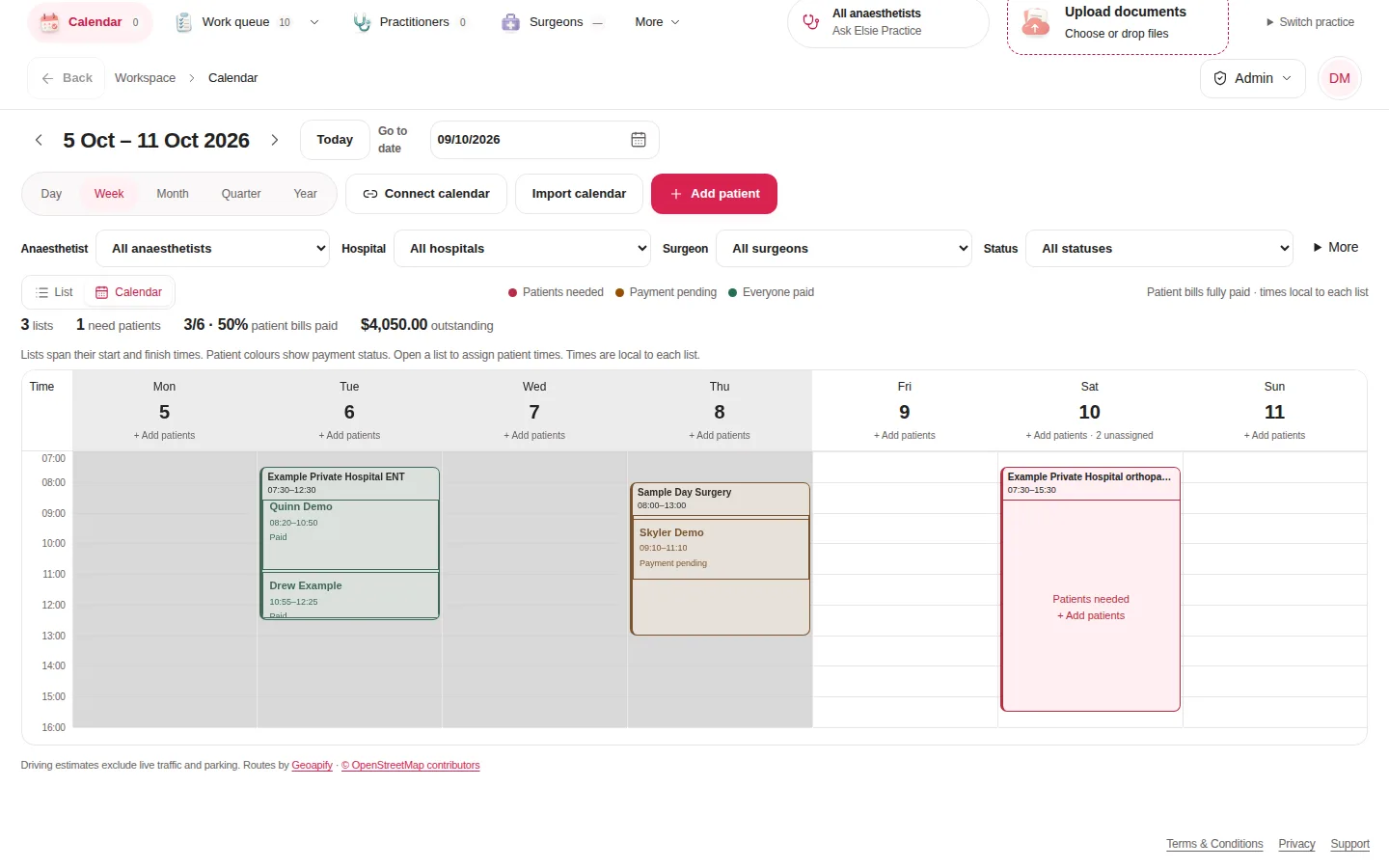
See your lists by day, week, month, quarter or year, with each patient in their time slot. Colours show at a glance which lists still need patients, which are waiting on payment and which are fully paid.
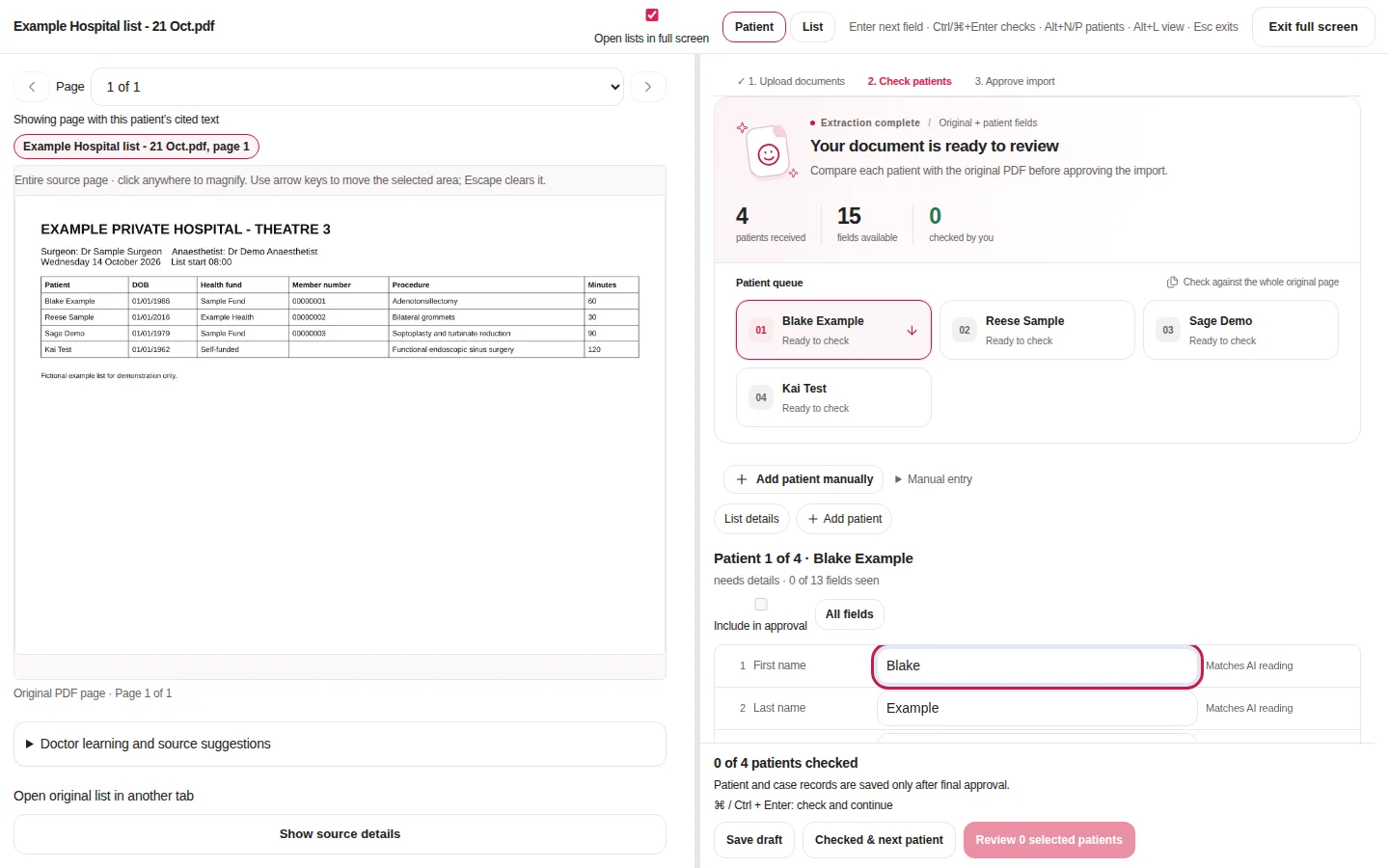
Drop in the list the hospital sends, or open one straight from an email. Patients appear one by one as Elsie reads the list, so your team can start checking the first patient straight away, with the original page beside every field.
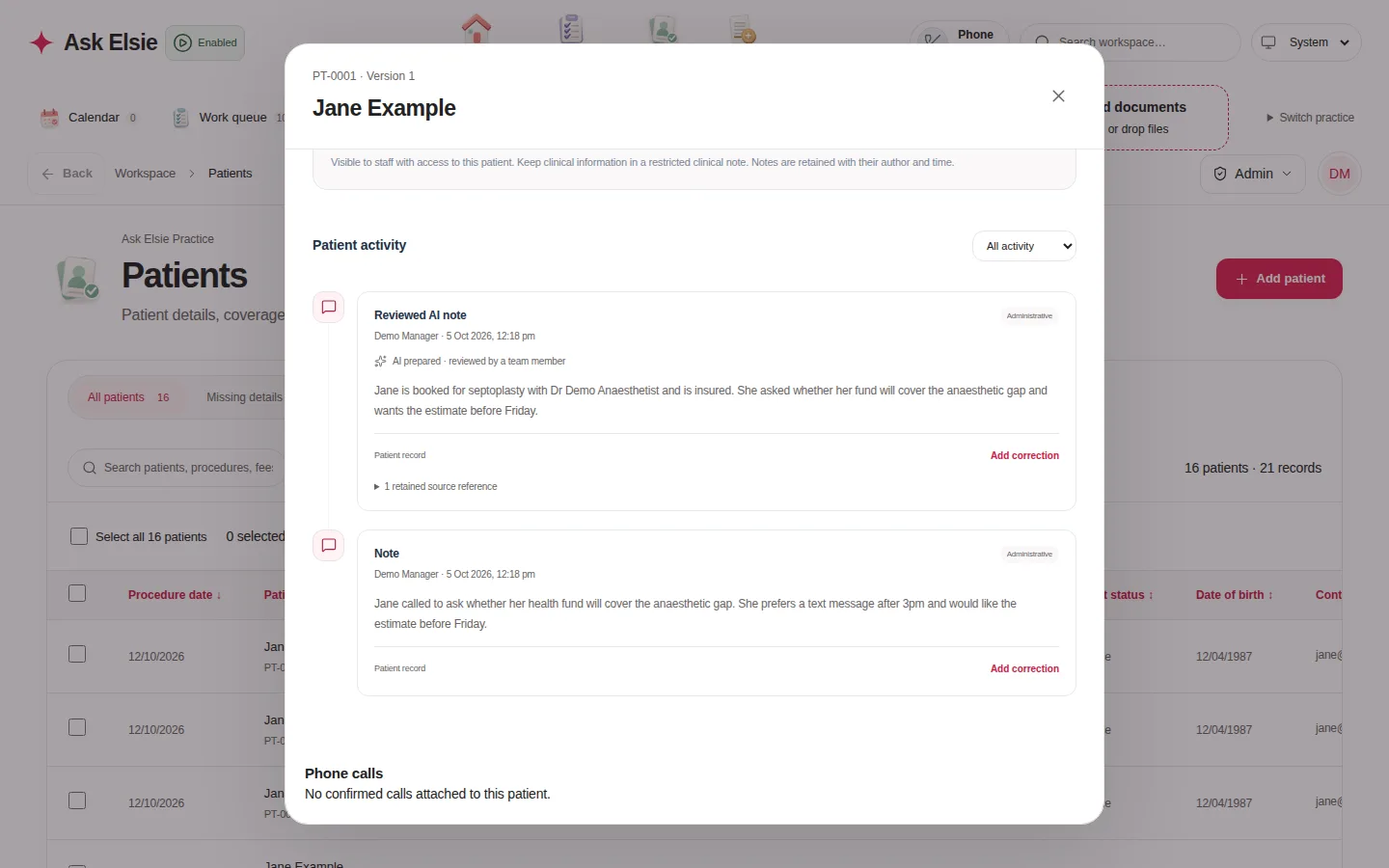
Notes, calls, emails, files and pre-op answers sit on one timeline, each labelled with who added it and when.
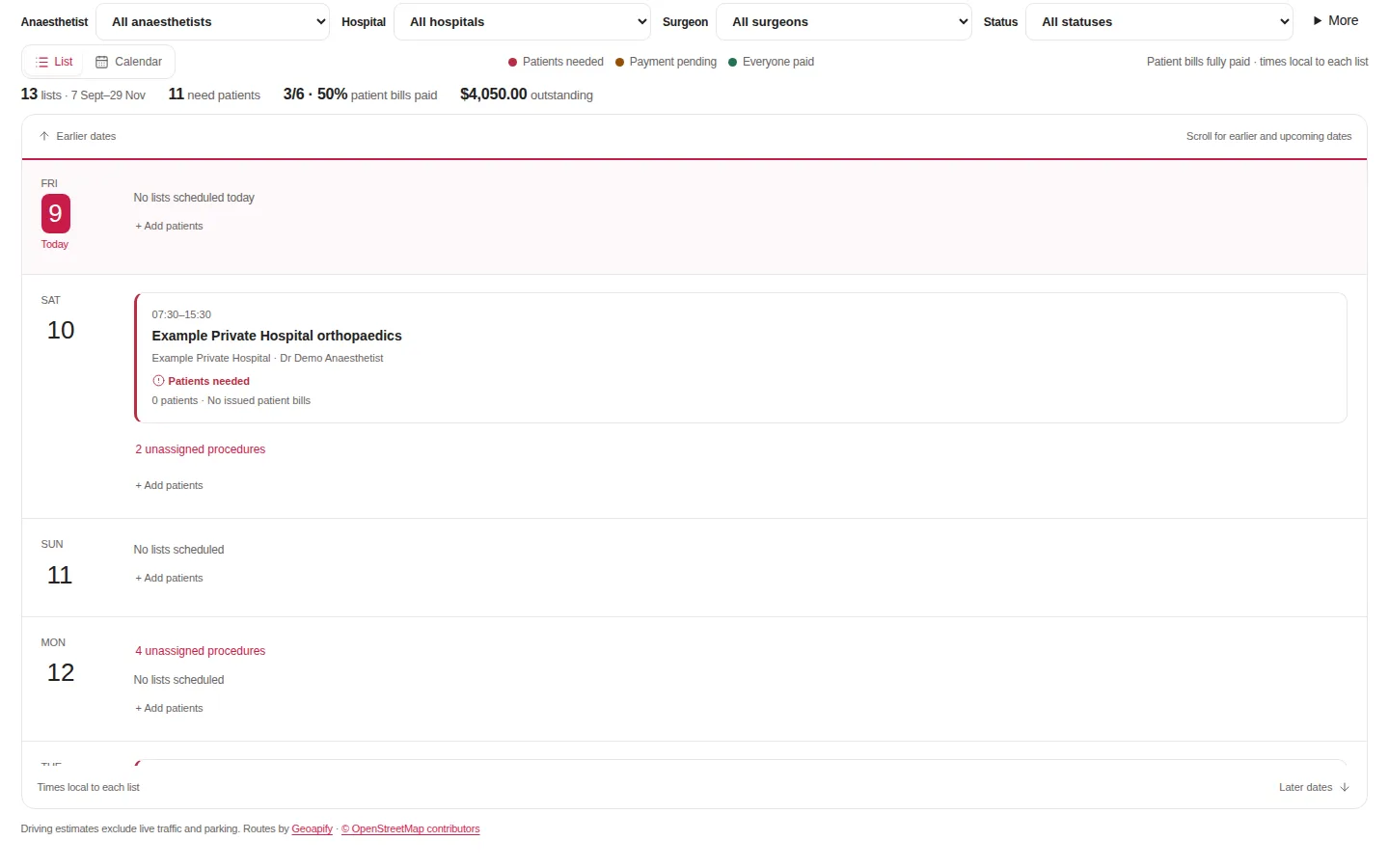
The Ask Elsie app goes where you go: between theatres, on the ward or at home, with or without a signal.
A month calendar that shows, for each day, your lists and how many patients are booked.
The current case, cover, payments and pre-op answers for each patient, on one card.
Record what was done while it's fresh, ready for your billing review.
Call from the keypad or a patient's record, see the practice's recent calls, and let missed callers leave a voicemail.
An encrypted copy of your lists opens automatically when the connection drops. Edits wait on the device until you review and sync them.
Sign in with your Ask Elsie password, Google or Microsoft, and unlock with Face ID or your passcode.
Ask Elsie holds sensitive health and billing information, so protecting it is built into how the workspace works, from sign-in to the audit trail.
Each workspace's patients and records are kept separate, and every request is checked against the signed-in practice. Billing teams see only the cases a client hands over.
Clinical notes, questionnaires and replies are restricted to the roles that need them. Billing staff never see clinical answers.
New accounts verify their email and mobile. Passwords are salted and hashed, and sessions are stored only as hashes and can be revoked.
Patients sign in with a one-time code that expires in 10 minutes. Sessions end after 15 minutes idle, and saved drafts are encrypted.
Recording is off for every call. It starts only after the caller confirms everyone has agreed, and it can be paused at any time.
Served over HTTPS, with connected-service credentials encrypted. Records kept on an iPhone or iPad are encrypted and locked behind Face ID or a passcode.
Patients enter card details only on Hello Clever's secure checkout. Ask Elsie never sees or stores them.
Changes are recorded with who made them and when, and issued documents cannot be altered.
From the first sign-in to the last follow-up, Ask Elsie is designed to feel calm, clear and easy, for patients, doctors and practice teams alike.
Create your workspace, add your anaesthetists and invite your team, each with the right access.
Milestones, a practice garden and gentle transitions celebrate progress. Prefer it calm? Set motion to Quiet or Off.
Plain-language messages you can edit, sent at sensible times, with quiet hours respected.
Helpful automation prepares the work, and a person approves every change, message and fee.
Practical guides to fee estimates, theatre lists, pre-op questionnaires and keeping patient data safe.
We're finalising plans for anaesthetic and billing practices. In the meantime, get in touch and we'll show you how Ask Elsie fits your practice.
Contact usAustralian anaesthetists, practice managers and reception teams, and the billing practices that support them.
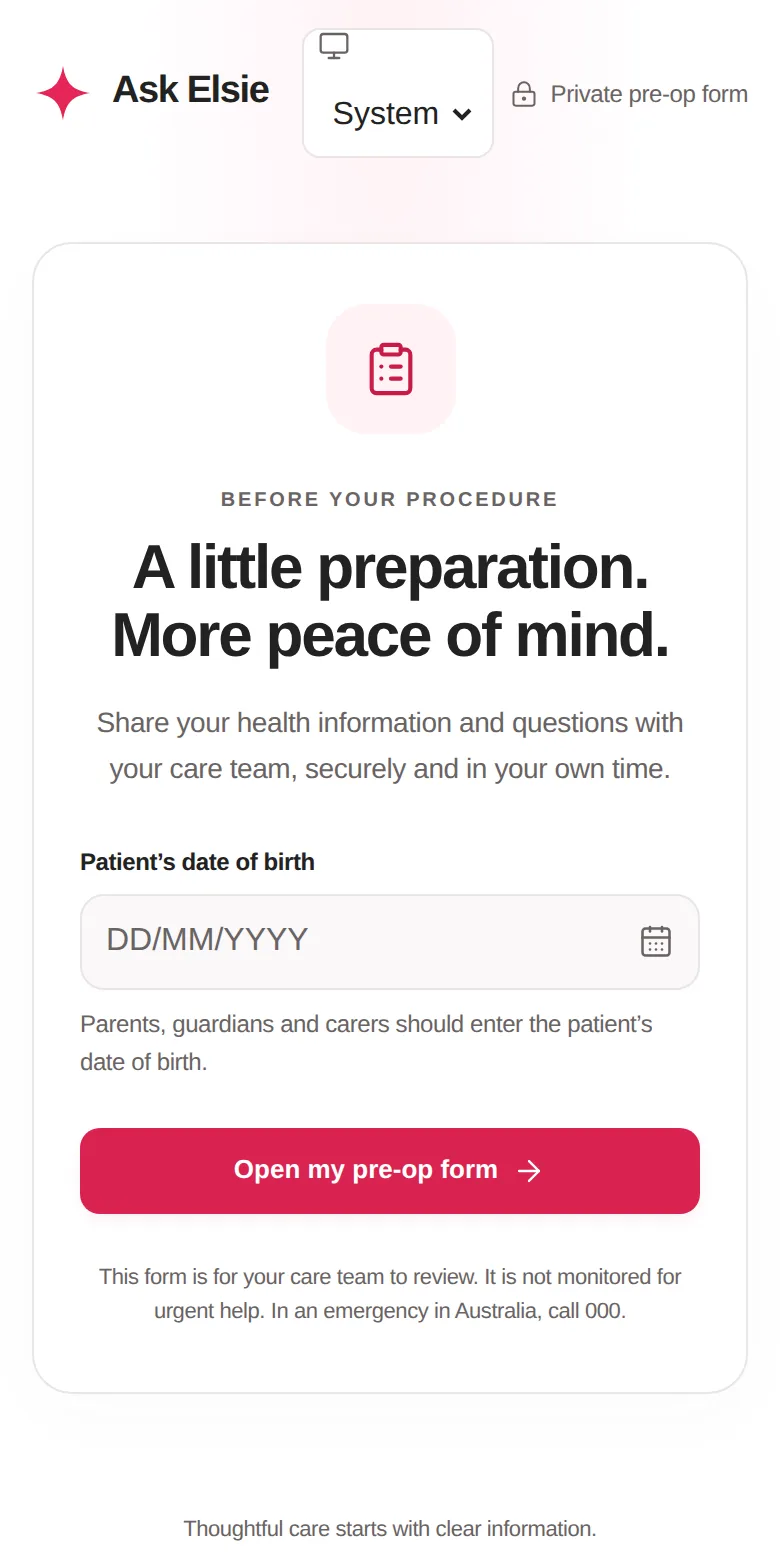
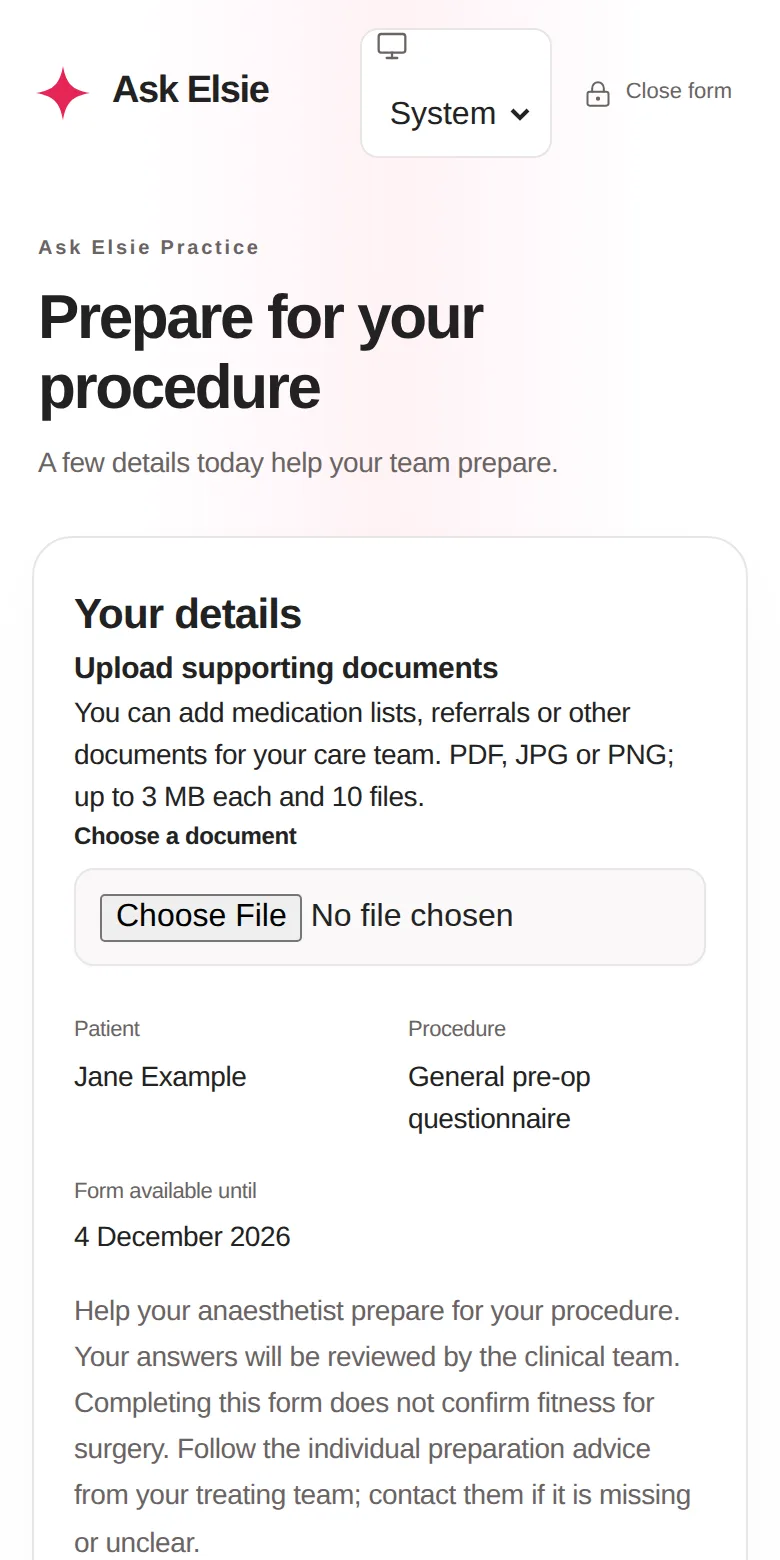
A short text with a secure link. After confirming who they are, they can review their fee estimate, complete their pre-op form on their phone, save it and come back, upload documents and ask questions. Parents, guardians and carers can respond for a patient.
Each practice's records are isolated, access is limited by role, passwords and sessions are stored only as hashes, connected-service credentials are encrypted, and patients sign in with their date of birth or a one-time code. Calls are recorded only after everyone agrees, card details stay with Hello Clever, and every change is recorded in an audit trail.
No. Ask Elsie can prepare work for your team, such as reading a theatre list, drafting a reply or summarising a call, but a person approves every change. Fees are always calculated by fixed rules, and clinical decisions stay with clinicians.
Yes, when your practice connects Hello Clever. Patients pay their reviewed balance by card or PayID on Hello Clever's secure checkout, and Ask Elsie records the payment once Hello Clever confirms it. Your team can also send a secure payment link after a call.
Yes. Ask Elsie for iPhone and iPad (iOS 17 or later) gives practice owners and clinicians their calendar, patient summaries, case confirmation and practice calls, with an encrypted copy of their lists for when there's no signal.
Pricing is coming soon. We're finalising plans for anaesthetic and billing practices and will publish them here. Email hello@askelsie.ai to hear first.
Gmail, Outlook and Zoom correspondence, iCloud and Google calendars, Twilio for SMS and calls, RebateRight for Medicare and DVA verification, and Hello Clever for patient payments. Each uses your own provider account, and every connection starts paused until you turn it on.
 Coming soon
Ask Elsie is opening to practices soon. To ask a question, see a demo or join the early list, email hello@askelsie.ai.